Preface: In Summary of QR Code Challenges and Solving Tips in CTF (Part 1) I briefly described QR Code types, versions, encoding methods, and other fundamentals. This article mainly introduces the small tricks I use for QR Code challenges in CTFs, based purely on my personal experience. Before reading, you should know the basic operations of Photoshop, the Python fundamentals, and the QR Code basics mentioned in Summary (Part 1).
1. Common Photoshop Functions for QR Code Challenges
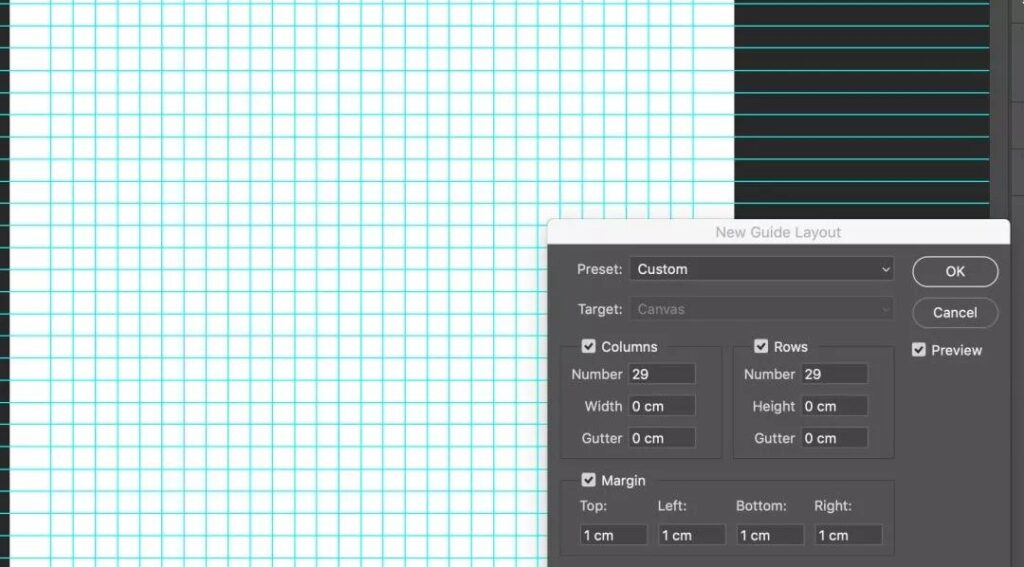
New Guide Layout: This function is available in the View menu. It quickly creates guides with specified rows, columns, and spacing, generating a matrix template for a particular QR Code version.
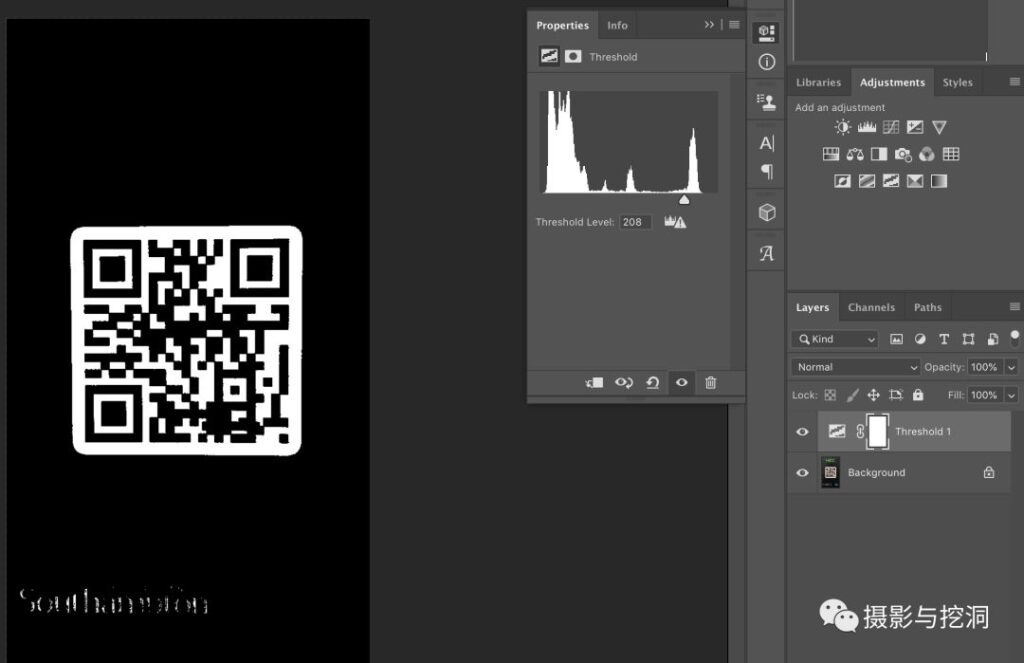
Threshold: You can find it under Image > Adjustments, although using an adjustment layer for thresholding is recommended. This function quickly binarizes a QR Code image, producing an image with only black and white and removing noise.
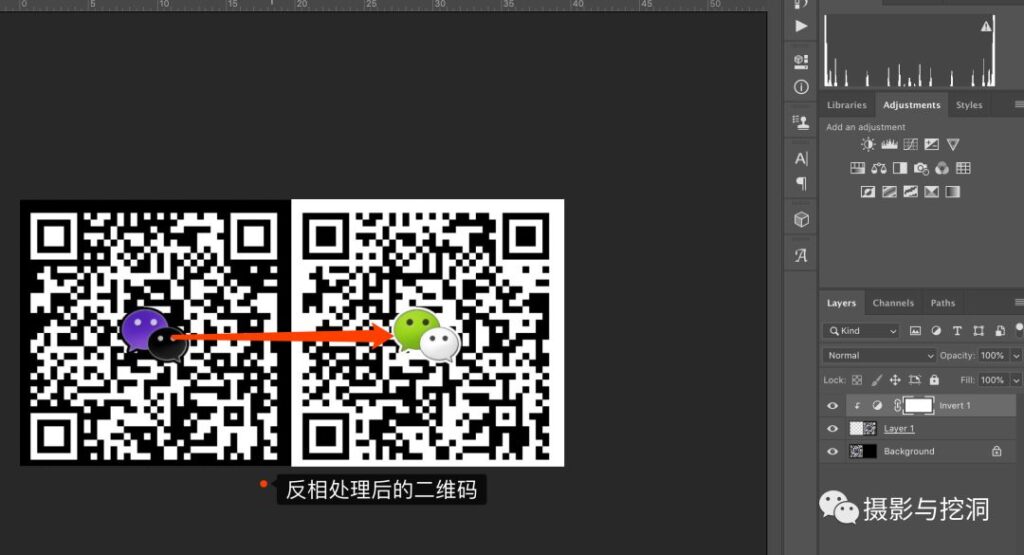
Invert (Invert): Used similarly to Threshold, it inverts all colors in the image. Some challenges require inverting part of a QR Code pattern to produce a scannable code.
Other functions: The basic functions—selection tools, moving, transforming, masks, and so on—are omitted here.
2. Summary of QR Code Challenges
2.1 Cropping and Stitching
Cropping-and-stitching challenges have an obvious feature: the QR Code has been torn apart or cropped and partially rotated with image-editing software, making it impossible for QR Code recognition software to identify directly. These challenges mainly test basic knowledge of QR Code structure and the ability to stitch images with image-editing software. The general steps are to identify the QR Code type, select the fragments, and stitch them together.
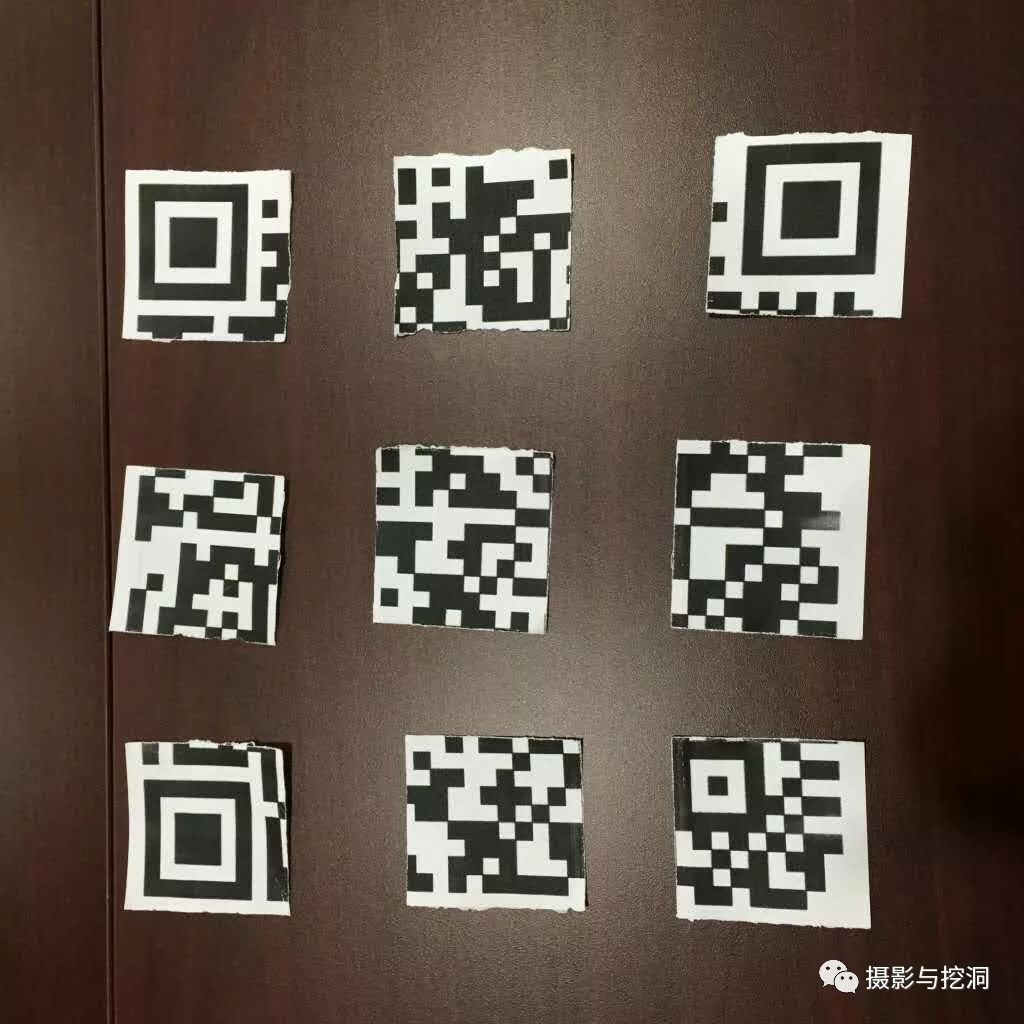
The image above shows QR Code fragments. Their basic features identify the encoding method as QR Code. The QR Code finder patterns and alignment patterns indicate that the positions and order of the fragments have not been shuffled. Therefore, they only need to be stitched together. Counting the modules gives 29*29, which means Version 3. In Photoshop, create a square file and a 29*29 guide layout. Use the lasso or another tool to select the QR Code fragments from the challenge and copy them one by one into the new file. Transform each layer to obtain a decodable QR Code image. The process is as follows:
2.2 Repairing Damage
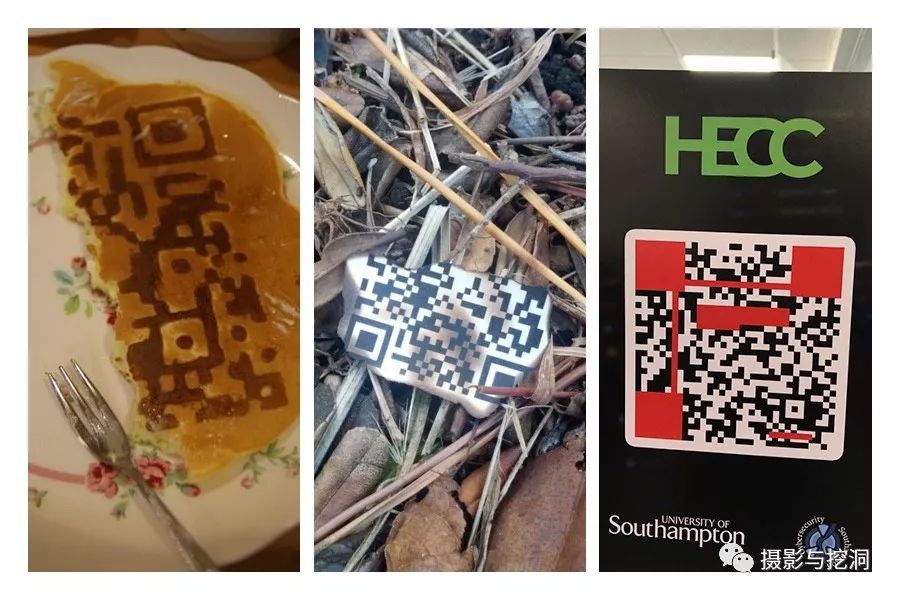
Damage-repair challenges can take many forms: a broken cookie printed with a QR Code, paper bearing a QR Code with part of it burned away, or a QR Code with part of its pattern obscured. Such challenges usually leave only part of the data region or error-correction region intact. The normal solution is to manually remove the mask according to the format information in the encoding region, read each module, and manually decode it according to the QR Code encoding rules to obtain the QR Code content (recommended reading: http://ppwwyyxx.com/2014/QR-Puzzles/). Here I describe only Photoshop techniques for solving this type of challenge. Because QR Code has strong error tolerance, decoding software can decode a QR Code even when some modules are damaged or incorrect. Photoshop’s Threshold can place the undamaged portion at the transition between black and white, allowing scanning software to obtain the QR Code content when only part of it is correct.
Take the challenge above from the UK University Cyber Security Challenge hosted by the University of Southampton as an example. It is a high-value challenge that tests the basic structure of QR Code; solving it normally requires manually removing the mask and decoding the data to obtain the answer. Here, however, after restoring fixed structures such as the finder and alignment patterns with Photoshop, use Threshold to place the red obstruction in the image at the black-white boundary. Thanks to QR Code’s strong error tolerance, the answer can be obtained when some modules are correct. The process is as follows:
2.3 Batch Decoding
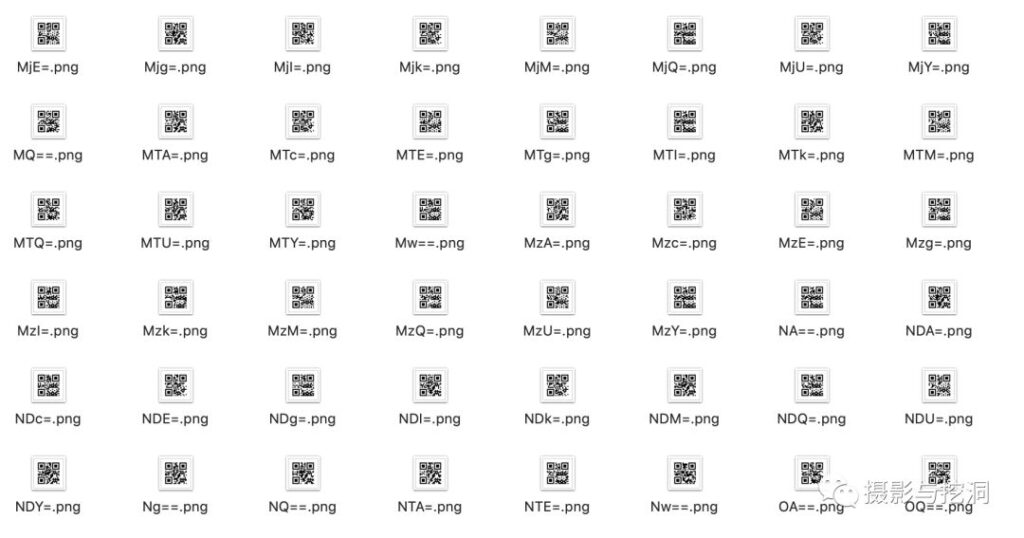
These challenges provide a large number of QR Codes. A program must read and process them in batches to obtain the answer. Python is recommended for batch decoding. QR Code decoding in Python depends on the zbar and PIL (Pillow) modules. Use PIL’s Image to load an image file and pyzbar’s decode to decode it. An example is shown below:
from pyzbar.pyzbar import decode
from PIL import Image
def QRdecode(filepath):
     result = decode(Image.open(filepath))
     return result[0].data
if name == "main":
     print(QRdecode("Desktop\qr.png"))
3. Conclusion
There are many types of QR Code challenges, and they are not limited to QR Code; other encoding formats may also be used. Whatever the format, you need a basic understanding of two-dimensional-code encoding principles. Image-editing software can usually repair the image, and a few small tricks can help you obtain the answer in an unexpected way and achieve twice the result with half the effort.
Finally, I recommend a mobile scanning app: CortexScan (recommended to me by my former colleague Kang). It supports dozens of encoding formats and can quickly recognize all kinds of distorted or low-contrast barcodes.